Claude Code has become one of the most talked-about tools in software development this year, and for good reason. It lives in your terminal, reads your entire codebase, and can plan, write, and test multi-step changes with minimal hand-holding. If you’ve been putting off trying it because you’re unsure what it costs or how to get it running, you’re not alone; those two questions come up more than any other.
This guide walks through both in plain terms. We’ll cover what Claude Code actually costs across every plan, including the API option, and then walk through installing Claude Code on macOS, Linux, and Windows using the method Anthropic now recommends. By the end, you’ll know exactly which plan fits your workflow and have Claude Code running in your terminal.
We’re skipping the marketing language and sticking to what matters: real prices, real commands, and the gotchas that trip people up during setup. Let’s get into it.
What Is Claude Code, Exactly?
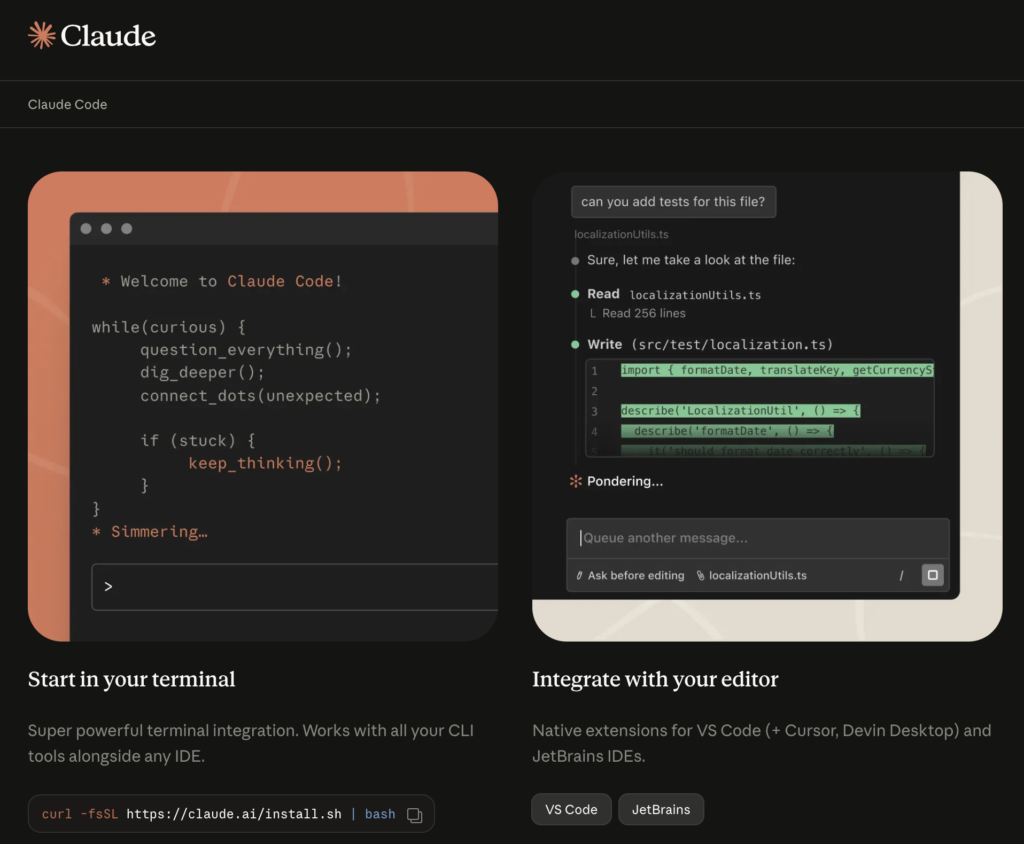
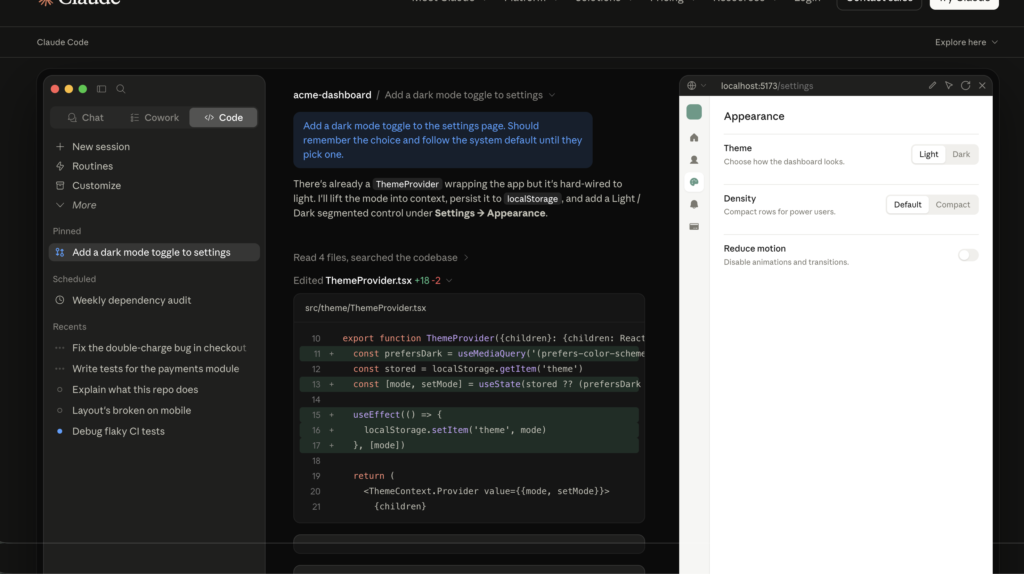
Claude Code is Anthropic’s agentic coding tool. Unlike a chat window where you copy and paste code back and forth, it runs directly in your terminal and acts on your project: reading files, proposing edits, executing shell commands, running tests, and managing Git operations on its own. Think of it less like an autocomplete tool and more like a developer who has already read your whole repository before showing up to work.
It connects to Anthropic’s Claude models — Sonnet and Opus, depending on the task — and handles everything from quick bug fixes to large multi-file refactors. The part that surprises new users most is how much it can do without constant supervision: kick off a task, step away, and come back to a working diff.
Why Developers Are Adopting It So Fast
Three things separate Claude Code from IDE-based assistants like GitHub Copilot.
- First, scope: it can hold an entire codebase in context rather than just the file you have open.
- Second, autonomy: it reads, edits, tests, and iterates without you switching windows.
- Third, terminal-native design: it fits naturally into existing scripts, CI pipelines, and command-line workflows instead of forcing you into a new editor.
That combination is why so many teams are evaluating it right now, and why the next question — what does it cost — comes up immediately after the first demo.
If you’re exploring how AI is reshaping the way software gets built, Claude Code fits right into that shift — alongside trends like vibe coding and emerging tools like Manus AI that are pushing autonomous development even further.
Claude Code Pricing: Every Plan Explained
Claude code pricing isn’t a single number, and that trips people up. There are four practical paths: a Pro subscription, two tiers of Max, a Team plan, and pay-per-token API billing. Here’s what each one actually gets you.
Claude Code Price by Plan
Pro: $20/month ($17/month billed annually). This is the entry point and where most solo developers start. It includes Claude Code in the terminal, web, and desktop apps, access to Sonnet and Opus models, and a usage budget that comfortably covers a few focused coding sessions a day. There is no free tier that includes Claude Code: the free Claude.ai plan covers chat only.
Max 5x: $100/month. Built for developers who hit Pro’s limits regularly. It gives roughly five times the usage capacity of Pro under the same rolling-window mechanic, so the budget refills on the same schedule but starts much larger.
Max 20x: $200/month. The top individual tier, aimed at people running Claude Code most of the day on large or complex codebases. It offers about twenty times Pro’s capacity, which matters if you’re doing extended refactors or working across a sizable monorepo.
Team: seat-based pricing. Team plans are split into standard and premium seats. Claude Code access requires the premium tier, priced per seat with a minimum seat count, while standard seats are intended for general chat use without Claude Code. If your organization is buying seats for developers specifically, confirm you’re on the tier that actually includes Claude Code — it’s a common point of confusion during procurement.
API (pay-per-token). Skip the subscription entirely and pay for exactly what you use through an Anthropic Console account. This suits CI pipelines, batch jobs, and automation where usage is bursty rather than constant, since there’s no flat monthly floor.
How Usage Limits Actually Work
Knowing the Claude code price for each tier only tells half the story, the other half is how the usage budget behaves. Claude Code uses a rolling session window that starts counting from your first prompt and resets a few hours later. On top of that, a separate weekly cap tracks only active processing time, so idle periods in your terminal don’t count against you.
One detail that catches Max users off guard: usage can burn faster during peak hours, since more developers are active at the same time. If your subscription feels like it runs out earlier than expected on weekday mornings, that’s the likely cause rather than anything wrong with your setup.
Subscription or API: Which One Should You Pick?
If you write code with Claude Code every working day, a subscription is almost always the better deal. A flat monthly fee with a refreshing token budget tends to beat metered API billing for sustained daily use, sometimes by a wide margin.
If your usage is occasional — a heavy week here, light usage there — API billing avoids paying for capacity you won’t touch.
Many teams land on a hybrid: a Pro or Max subscription for everyday interactive work, paired with an API key reserved for CI runs and overflow when a session cap gets hit mid-task. That combination tends to give the predictability of a subscription without leaving automation workloads stranded.
Installing Claude Code: The Fastest Method for Each OS
This Claude Code installation guide keeps things simple on purpose, because the setup itself should never be the hard part.
Whether you’re testing it on a personal subscription or wiring it into a broader AI-assisted workflow at work, the steps below apply the same way regardless of plan.
If you’re ready to install Claude Code right now, jump to the option that matches your operating system below.
With pricing sorted, installing Claude Code is the easy part — most people are up and running in under two minutes. Anthropic now ships a native installer with no dependencies, which has replaced npm as the recommended path for new installs.
We’ll cover both, since npm is still fully supported and some teams prefer it for version pinning.
Before You Start: System Requirements
Claude Code’s install requirements are light. You’ll need macOS 13 or later, Ubuntu 20.04+ or Debian 10+ on Linux, or Windows 10 version 1809+ (native, or through WSL if you prefer a Linux-style shell). At least 4GB of RAM is recommended, more if you’re working on large codebases. No GPU is required; all the actual model processing happens on Anthropic’s servers, so your machine just needs to run the lightweight CLI client.
You’ll also need an active Claude Pro, Max, Team, Enterprise, or Console account before you authenticate. The install itself is free; using Claude Code afterward requires one of those plans.
Option 1: Native Installer (Recommended)
This is now Anthropic’s preferred installation method because it has zero dependencies, auto-updates quietly in the background, and is the version Anthropic tests most thoroughly. On macOS or Linux, open a terminal and run:
bash
curl -fsSL https://claude.ai/install.sh | bashOn Windows, open PowerShell and run:
powershell
irm https://claude.ai/install.ps1 | iexBoth commands download the binary, place it on your system PATH, and configure background updates automatically. No admin rights are needed on Windows, and no Node.js or npm installation is required on any platform.
Option 2: Installing Claude Code via npm
If npm is already part of your toolchain, or you need to pin a specific version for a team, the npm method still works the same as before. You’ll need Node.js 18 or later installed first.
bash
npm install -g @anthropic-ai/claude-codeOne important warning here: never run this with sudo. Doing so creates root-owned files in your npm directory that cause permission errors on every future global install. If you hit an EACCES permission error, the fix is to point npm at a directory your user account owns:
bash
mkdir -p ~/.npm-global
npm config set prefix '~/.npm-global'
echo 'export PATH="$HOME/.npm-global/bin:$PATH"' >> ~/.bashrc
source ~/.bashrc
npm install -g @anthropic-ai/claude-code
Verifying the Install
Regardless of which method you used, confirm Claude Code is on your PATH and working correctly:
bash
claude --versionYou should see a version number printed with no errors. If the command isn’t found, your terminal likely hasn’t picked up the updated PATH yet. Open a fresh terminal window and try again.It’s also worth running the built-in diagnostic the first time:
bash
claude doctorThis checks your install type, authentication state, and configuration in one pass, and it’s the fastest way to spot a misconfigured PATH or stale npm install before it confuses later.
Authenticating Your Account
Navigate to any project folder and run claude to start your first session. This opens your browser to authenticate. You have two paths here: signing in with your existing Claude.ai Pro or Max account, which draws usage from your subscription’s session window, or setting an ANTHROPIC_API_KEY environment variable to bill through the Console instead.
Pick whichever matches the plan you settled on earlier in this guide.If you’re behind a corporate proxy or firewall that blocks the OAuth redirect, the API key method is the more reliable fallback; it skips the browser step entirely.
A Note on Updates
If you installed through the native method, updates happen automatically in the background and apply the next time you start Claude Code. With npm, you’ll need to update manually:
bash
npm install -g @anthropic-ai/claude-code@latestAvoid npm update -g for this, it respects the version range from your original install and may silently skip newer releases. If you want full control over update timing, particularly for a team that needs everyone on the same version, the npm method combined with a manual upgrade step gives you that control; the native installer trades that control for convenience.
Getting the Most Out of Your First Session
Once Claude Code is installed and authenticated, the highest-value next step is running /init inside your project. This scans your codebase and generates a starter configuration file documenting build commands, conventions, and architecture notes that load automatically into every future session. It takes a minute and pays off immediately in how well Claude Code understands your project from that point forward.
From there, the best way to learn the tool is to point it at something real: a failing test, a small bug, a refactor you’ve been putting off. Claude Code tends to shine on exactly the kind of multi-file, multi-step work that’s tedious to do by hand, so starting with a task you’d normally dread is a good way to see what it’s actually capable of.
Should You Get Claude Code?
If you write code daily and spend any meaningful chunk of that time on debugging, refactoring, or working through unfamiliar parts of a codebase, Claude Code is worth the $20 entry price alone; that’s a low bar to clear for what it gives back in saved hours.
Start on Pro, watch how quickly you move through your usage window during a typical week, and only step up to Max if you’re consistently bumping against the ceiling.
For teams, the calculation is similar but happens at the seat level: confirm you’re buying the tier that actually includes Claude Code before rolling it out, and consider pairing subscriptions with a small API budget for automated workflows like CI checks.
Either way, the install takes two minutes, the free trial of your judgment costs nothing, and the only real risk is realizing you can’t go back to coding without it.